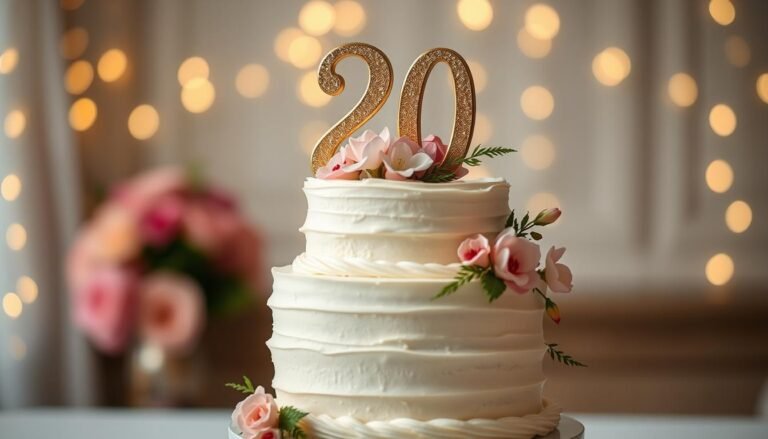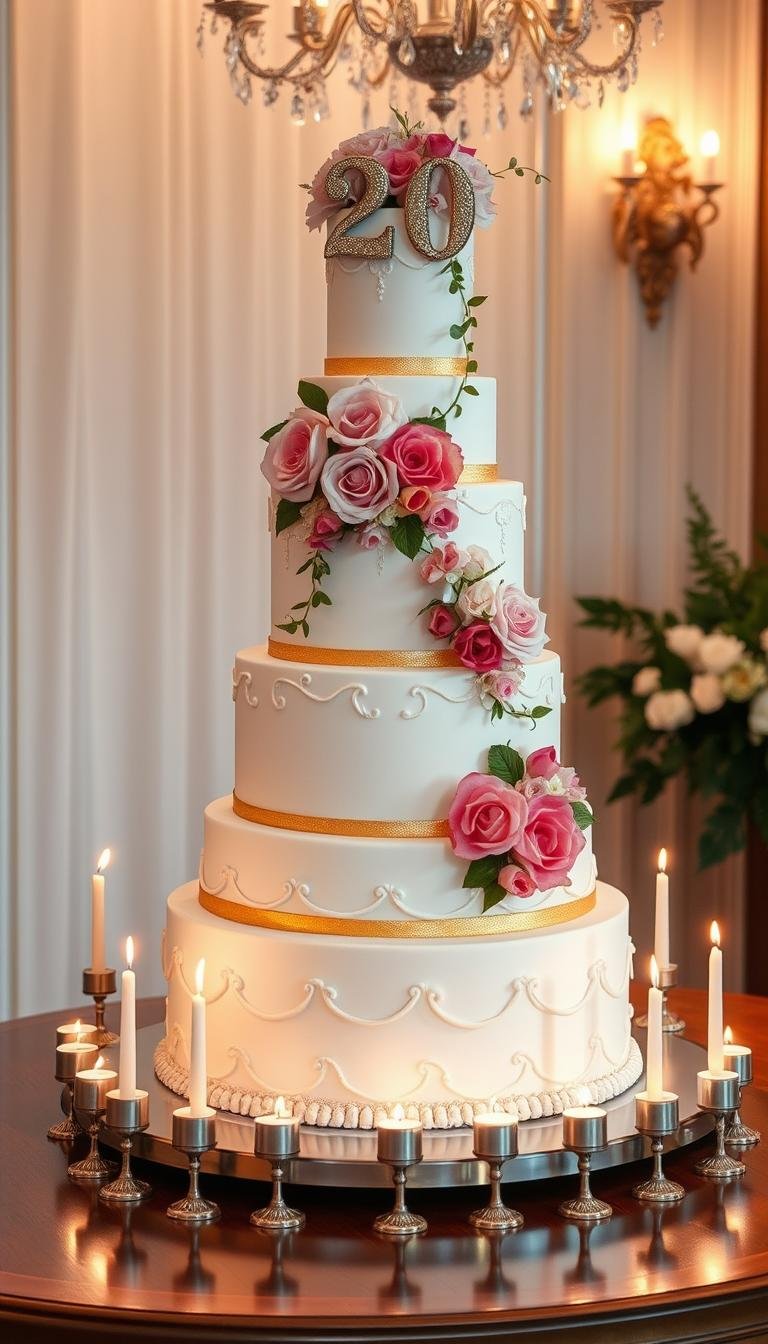
20th Birthday Cake Ideas to Make Your Party Shine
Ready to craft a memorable centerpiece? This short guide showed how to pick a showstopping years cake that matched style and photos. Keep choices simple, pick lighting that flatters textures, and plan delivery so the moment stayed perfect on camera.
This Website contains affiliate links. That means I may earn a small commission if you purchase through my links, at no extra cost to you.
Decide budget and finish early. Get quotes for buttercream vs. fondant, custom toppers, and edible prints so you avoided last‑minute surprises. Match colors to outfits and venue lighting to make every image pop.
We also highlighted a smart asset option: unlock 200M+ assets in the full collection. Use a free trial to trial get 3 videos or 25 images to test looks, or start free to preview image and video ideas before committing.
Key Takeaways
- Choose a centerpiece that fits your vibe and photographs well.
- Set budget and finalize finish 2–4 weeks before the event.
- Plan lighting and backdrop to make textures stand out in videos.
- Coordinate toppers and candles with venue rules for safety.
- Try the free trial to access images and videos from the full collection.
Showstopping 20th Birthday Cake Ideas for Every Style
A single standout design can set the tone for your whole celebration. Pick a style that fits your vibe, then adapt colors and toppers to match the venue and outfits.
Try one of these signature looks that photograph and film well for social shares and longer clips.
Minimalist number cake
Bake crisp “2” and “0” layers, fill with vanilla bean cream, and top with fresh berries and micro‑mint for a neat, photogenic slice.
Metallic drip
Chill a tall buttercream base, add a white chocolate ganache drip tinted with edible gold, and finish with tall candles or a gold acrylic topper for luxe photos.
Photo collage
Print edible images from childhood to college and arrange them like a wrap. Use a simple buttercream base so the pictures stay the star.
- Two-tier ombré: Blend school or team colors across tiers with a bench scraper for clean gradation.
- Floral meadow: Press food-safe violas and herbs into chilled buttercream for an outdoorsy look.
- Neon pop-art: Stencil bold dots and speech bubbles, then add fluorescent acrylic toppers for a high-impact finish.
| Style | Key Feature | Best For | Photo/Video Tip |
|---|---|---|---|
| Minimalist Number | Clean layers & berries | Elegant, small gatherings | Use natural side light for texture |
| Metallic Drip | Edible gold drip | Glam events | Capture a slow turn for reels |
| Photo Collage | Edible printed images | Sentimental themes | Pan across images in a short clip |
| Mirror Glaze | 4K-worthy shine | Video-focused reveals | Film the glaze pour at 90–95°F |
“Choose one focal idea and build textures, toppers, and lighting around it to make every shot count.”
To expand visuals, start free with a trial to get images and videos from the collection of assets full of themed examples. Use the trial start to preview 20 years cake in images and videos before you commit.
How to Source Visuals and Toppers: Unlock 200M+ Assets to Elevate Your 20th Birthday Cake
Collecting the right visuals and toppers makes the design process faster and the final reveal smoother. Use a start free trial to pull 3 videos or 25 images and build a clear mood board.

Search smart: look up “20 years cake” in images, videos, and Premium to gather exact references like number layers, ombré tiers, and floral wraps. Share folders with your baker to get precise results.
- Download 4K HD clips (00:07–00:16) as neutral backgrounds for reveals and slow spins.
- Pull regional cues: North America favors tall candles; South America loves vibrant drips; Asia Pacific leans minimal and floral.
- Source toppers—acrylic “Twenty,” numeric “20,” metallic candles—and test edible-print images for a timeline wrap.
Remember to name files consistently and check licenses before use. With a free trial get and the 200m assets full collection, you can trial start free and download the images and video assets you need for a flawless reveal.
20th birthday cake Themes That Pair Perfectly With Photos and Videos
Choose themes that photograph well and translate smoothly into short looping videos. Start by mapping a simple visual story so images and clips feel connected across posts and screens.
“Through the years” timeline cake pairs edible photos in order—from baby shots to recent portraits—and plays short looping clips on nearby screens. This layered approach creates a living highlight reel that guests can watch as they gather.
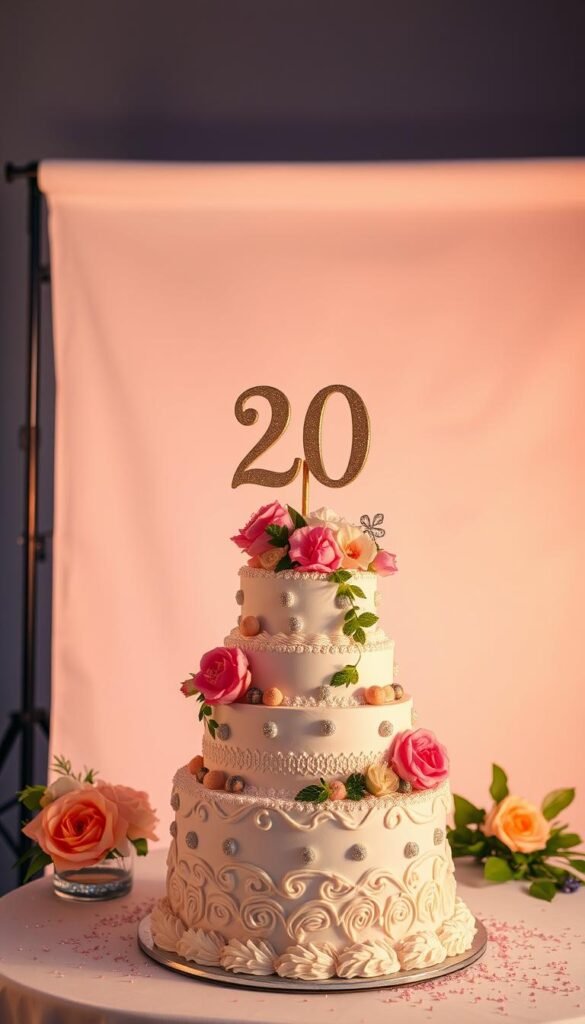
Social-ready cutting moment
Plan three camera angles: a tight knife-through slice, a side profile showing layers, and an overhead crowd reaction. Sync backdrop colors to the design for instant cohesion in both stills and clips.
- Create a media kit: cover image, 9:16 vertical video, and square thumbnail for consistent posting.
- Prep lighting: soft 45° key light, small backlight for metallic drips, and diffuse fill to avoid harsh shadows.
- Motion cues: sparklers or tall candles give a 3–5 second climax; capture flame-out and a slow b‑roll spin after the cheer.
“Rehearse the reveal so the visual ‘wow’ hits the music beat and every angle is ready to record.”
Use assets to plan: trial get videos and images, trial unlock the collection start, or unlock 200m to pull reference clips. With a small kit and a clear plan, your photos, images video free clips, and get videos images will look polished and shareable.
Conclusion
, Close the loop: lock in design, visuals, and a brief shot list so the reveal flows. Pick the concept that fits your story—minimal numbers, metallic drip, collage, or mirror shine—and set a timeline for orders and delivery.
Use the free trial start to build a mood board. A trial get provides 3 videos or 25 images so you can test looks. Then free trial unlock the full collection or trial unlock 200m to access the 200m assets full library and get images video for final approvals.
Final tip: prep the set, label flavors, confirm licenses, and archive your best image and video files. With a neat plan, the years cake moment will feel effortless and shareable.